
Solutions

Choose the payment workflow that matches how your service business gets paid

FoxPay solutions are organized around real collection workflows, not abstract product bundles. Start with the payment moment you need to solve, then connect the right supporting tools around it.

Bookings Remote Billing Self-Service Recurring
FoxPay mobile reader setup inside a kayak rental service environment
FoxPay solutions start with the workflow on screen, then extend into hardware or follow-up tools only when the operation needs them.

Workflow Families

Start with the payment path that matches the business workflow

Foundation

Core payment acceptance

Use Payment Processing when the business needs one core layer that can support online, remote, and in-person payments.

Explore Payment Processing

Reservations

Booking-led checkout

Use Online Booking System when reservation, scheduling, and payment need to stay in one customer flow.

Explore Booking

Customer-Initiated

QR-led payment

Use QR Scan-to-Pay when customers should start the transaction themselves at a counter, sign, waiting area, or service point.

Explore QR Payments

Follow-Up Billing

Remote paylinks

Use SMS Paylink App when staff need to request payment after the interaction, over the phone, or away from a fixed terminal.

Explore Paylinks

Recurring Revenue

Subscription billing

Use Subscription Platform when your payment model depends on memberships, repeat billing, or stored customer relationships.

View Subscription Tools

Connected Software

Web and custom experiences

Use eCommerce Shopping Cart or Bubble.io Payment Plugins when the payment flow lives inside a website, app, or custom front end.

View Integrations

Service Business Fit

Examples of where these solution paths show up in the real world

Tourism activity representing reservation-based services

Tours, rentals, and reservations

Use booking, deposits, and follow-up billing tools when customers reserve ahead of time and pay in stages.

Phone-based workflow representing mobile payment management

Mobile staff and field collection

Use paylinks, mobile readers, and lightweight in-person tools when staff collect payment away from a traditional front desk.

Checkout counter representing staff-operated service payments

Front-counter and self-service environments

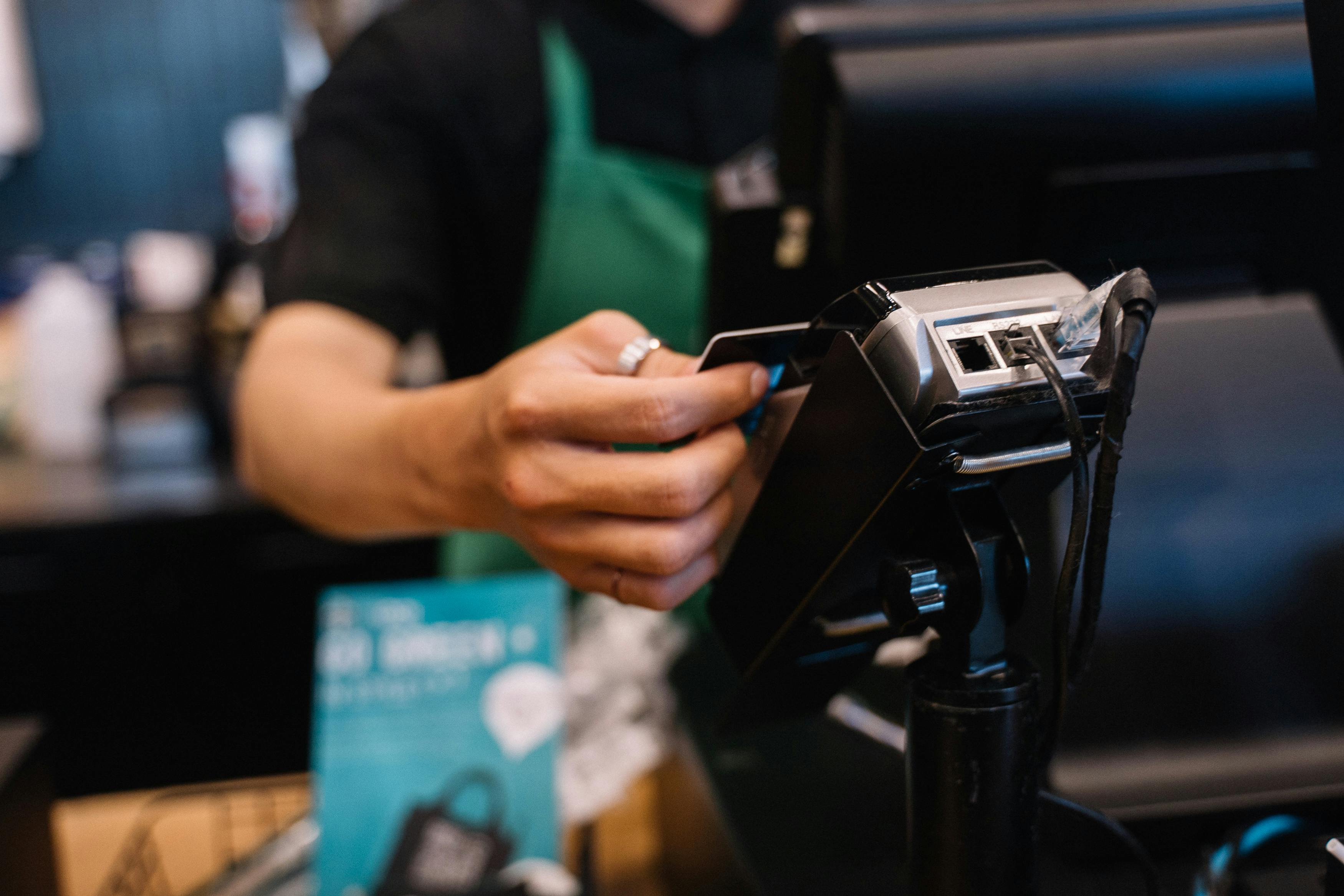
Use terminals, kiosks, or QR payment flows when customers pay at reception, in a lobby, or through a guided self-service station.

Best Starting Page

If the business needs to...Start hereThen review
Take bookings and payment in one customer flowOnline Booking SystemPricing
Collect balances or deposits after the interactionSMS Paylink AppPayment Processing
Let customers pay themselves from a sign, desk, or waiting areaQR Scan-to-PayHardware
Support recurring or stored payment relationshipsSubscription PlatformSecurity
Embed payments in a website or Bubble workflowIntegrationsAll Products & Services

Decision Rules

Choose by how the payment starts, not by whichever tool sounds familiar first

Customer Starts

Best for booking, QR, and website checkout

Start here when the customer is driving the transaction from a reservation flow, a QR code, or a web purchase path.

Staff Starts

Best for paylinks and guided collection

Start here when staff are reopening the payment step after a call, quote, service interaction, or follow-up balance request.

Relationship Starts

Best for recurring and stored billing models

Start here when the payment decision is really about an ongoing customer relationship rather than a one-time checkout event.

Next Step

Find the payment path first, then build the rest of the setup around it

When you know whether the business needs booking, remote billing, self-service, recurring payments, or a more connected web flow, the rest of the FoxPay stack becomes much easier to evaluate.