
In-Person
Front Desk & Kiosks
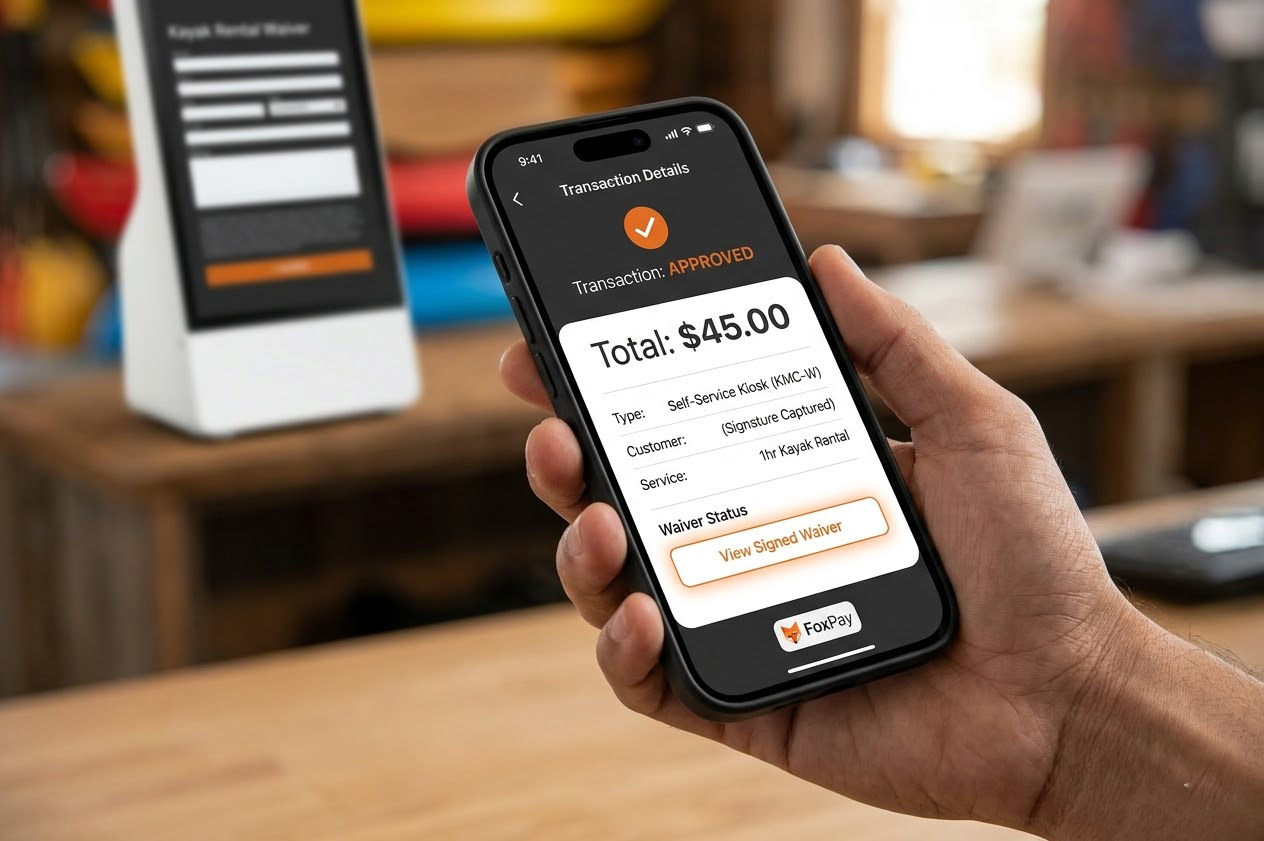
Power your physical terminals and unattended self-service points with sub-second transaction speeds.
Payment Processing
Stop forcing your customers through a disjointed checkout experience. We connect your physical hardware, online booking, and texting tools to a single, secure processing foundation.
The Disconnect
Using three different merchant providers creates accounting nightmares. Customers lose trust when your online checkout looks completely different from your printed invoices. FoxPay solves this by putting everything on the same high-performing payment rail.
The Solution
In-Person
Power your physical terminals and unattended self-service points with sub-second transaction speeds.
Digital
Collect deposits and upfront balances natively inside your own website booking flow.
Remote
Send secure payment links via text message immediately after service is rendered.
Final Step
Consolidate your payments into one powerful foundation. Email our team, and we will audit your current processing statements to show you exactly how FoxPay streamlines your operation.