
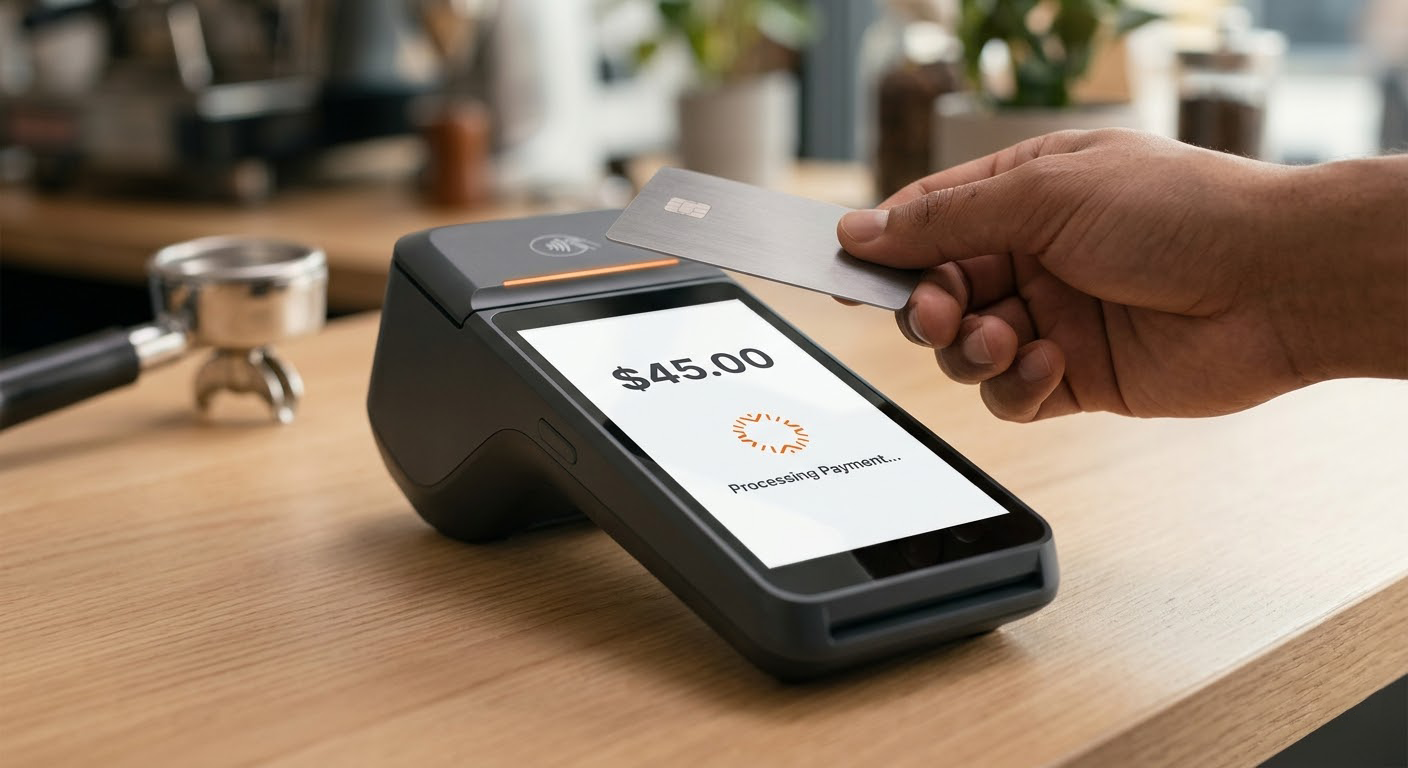
Fixed Checkout
POS Terminal
The workhorse of the front desk. Built to anchor your reception area and process high volumes of tap, chip, and swipe payments without lag.
Explore POS TerminalsFoxPay Hardware
Slow checkout hardware creates longer lines and frustrated customers. FoxPay devices connect seamlessly to our processing layer to deliver sub-second transactions, whether at a front desk or out in the field.
The Lineup
Fixed Checkout
The workhorse of the front desk. Built to anchor your reception area and process high volumes of tap, chip, and swipe payments without lag.
Explore POS Terminals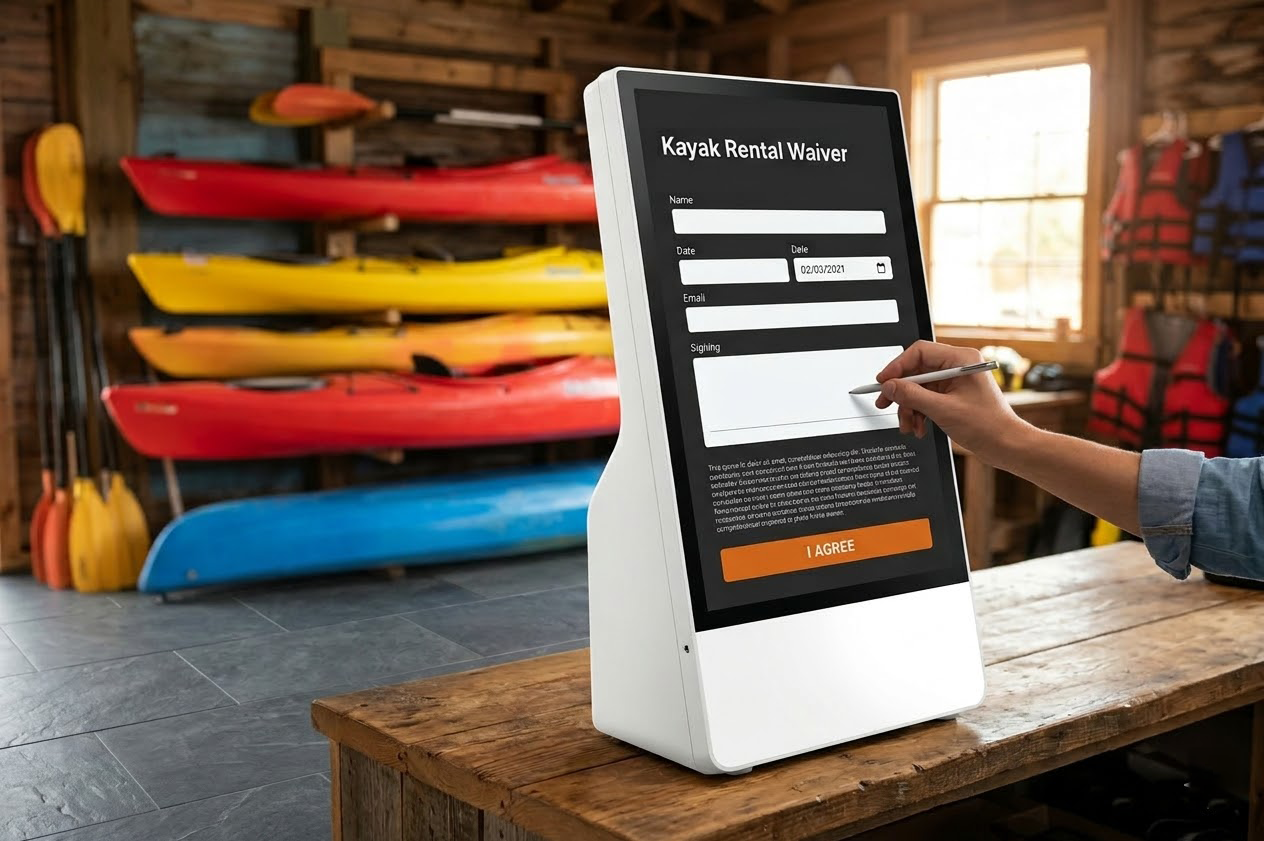
Unattended Check-in
Bust your lobby lines. Let customers pay balances and sign waivers on their own.
View Kiosks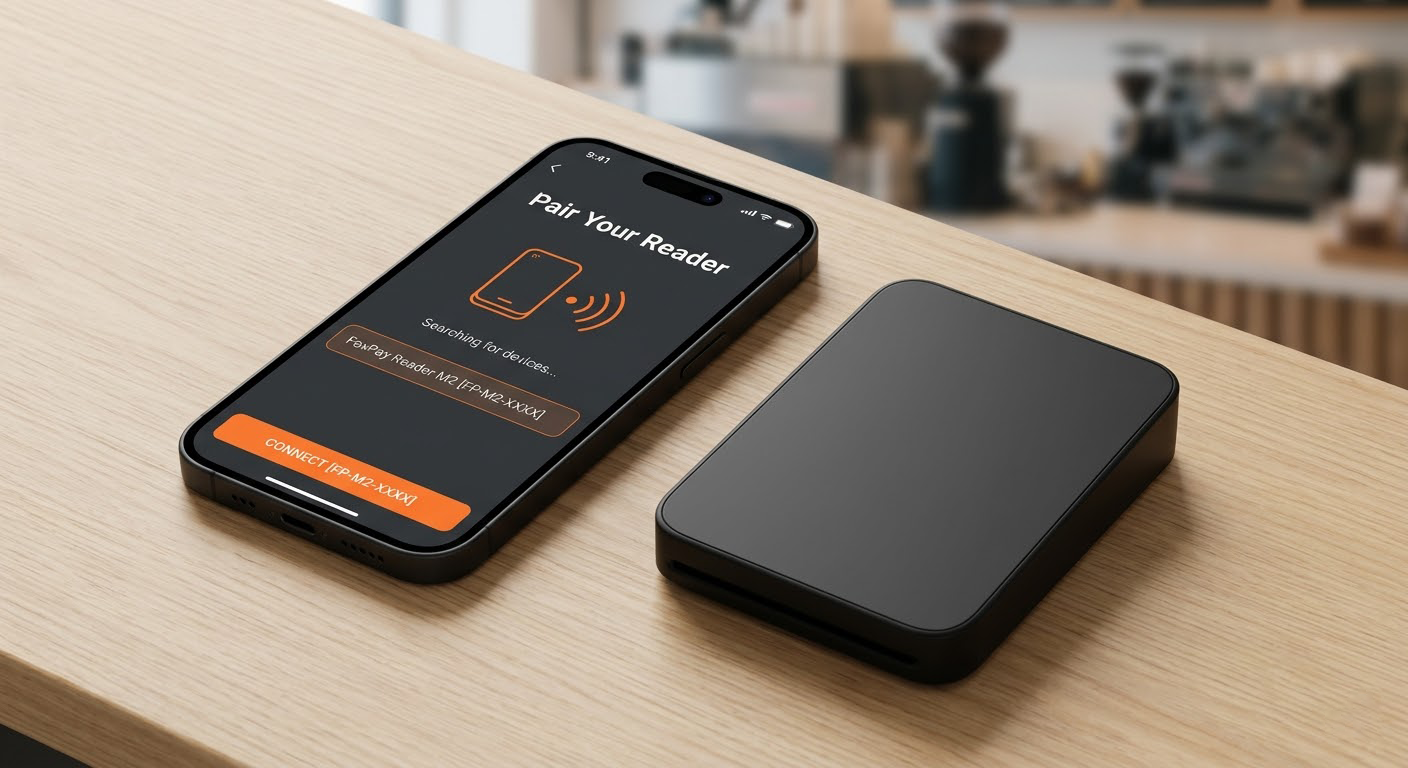
Roaming Staff
Equip your field technicians to take payments anywhere, directly from their phones.
View Mobile ReadersEnvironment Matching
A brick-and-mortar retail terminal doesn't work for a mobile kayak rental station. We match the physical device to your exact operating environment so your staff don't have to fight their own tools.

Next Step
We will audit your current checkout speed and tell you exactly which FoxPay hardware upgrades will eliminate your bottlenecks.