
Escape the painful handoff
With self-service, your staff transition from "cashiers" into true hosts, focusing entirely on delivering a premium core experience.
Self Service Kiosk
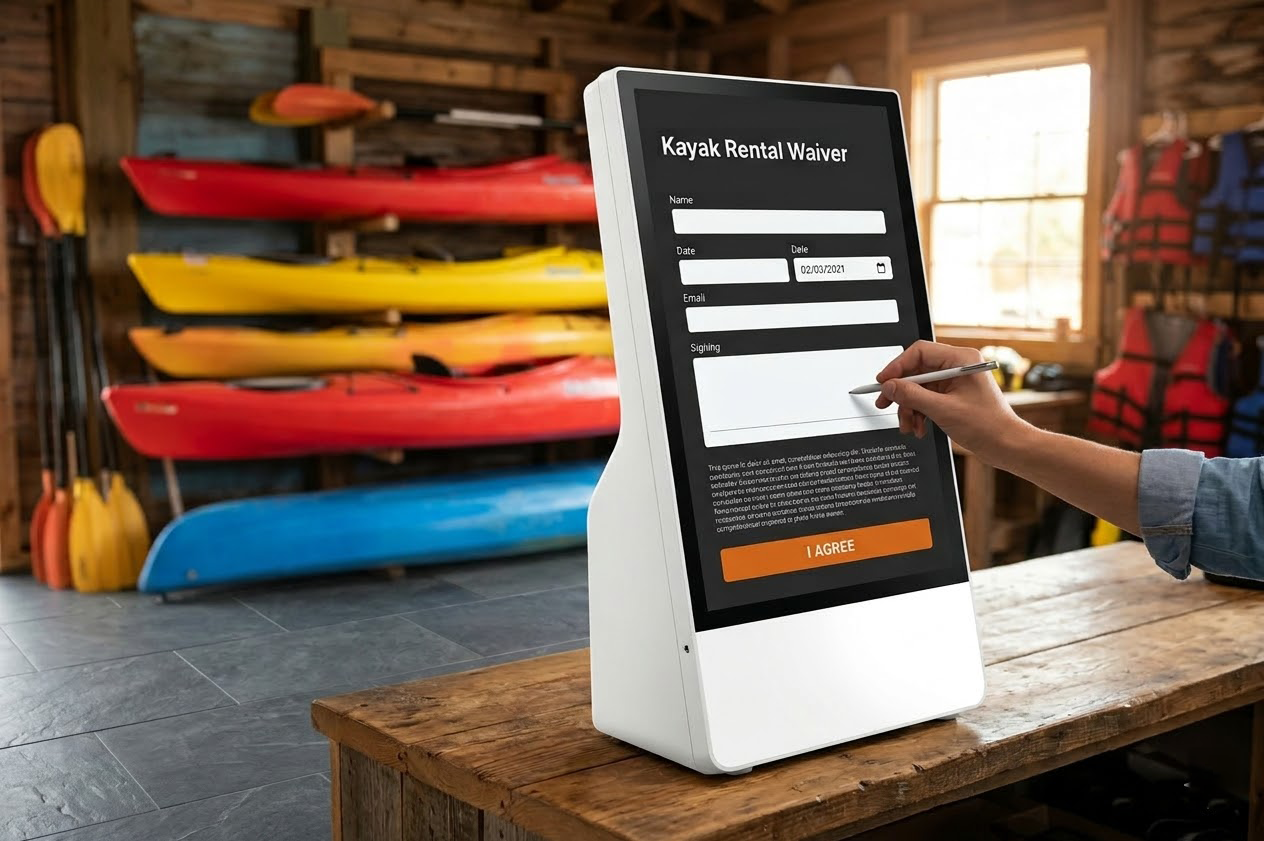
Why make five people wait in line to pay when they can do it themselves? Deploy FoxPay Kiosks to empower customers to sign waivers, pay balances, and check-in without tying up your staff.
The Bottleneck
Having your most expensive staff members manually swiping credit cards and handing out clipboards for liability waivers is an incredible waste of resources. It stresses out the customer and limits your daily volume.
The FoxPay Kiosk
With self-service, your staff transition from "cashiers" into true hosts, focusing entirely on delivering a premium core experience.

Turn over rentals faster. When check-in drops from 4 minutes to 45 seconds, you drastically increase your daily operational capacity.
Get Started
We work with you to map out exactly how many kiosks you need based on your physical footprint and daily arrival curves.