Booking UI
Payment Tools For Service Businesses
A simpler way to get paid across bookings, self-service, mobile checkout, and in-person payments
FoxPay helps service businesses take payments the way they actually sell: during online booking, by text, through QR checkout, at self-service stations, on staff devices, and at the counter.
FoxPay Ecosystem
QR Checkout
SMS Paylink
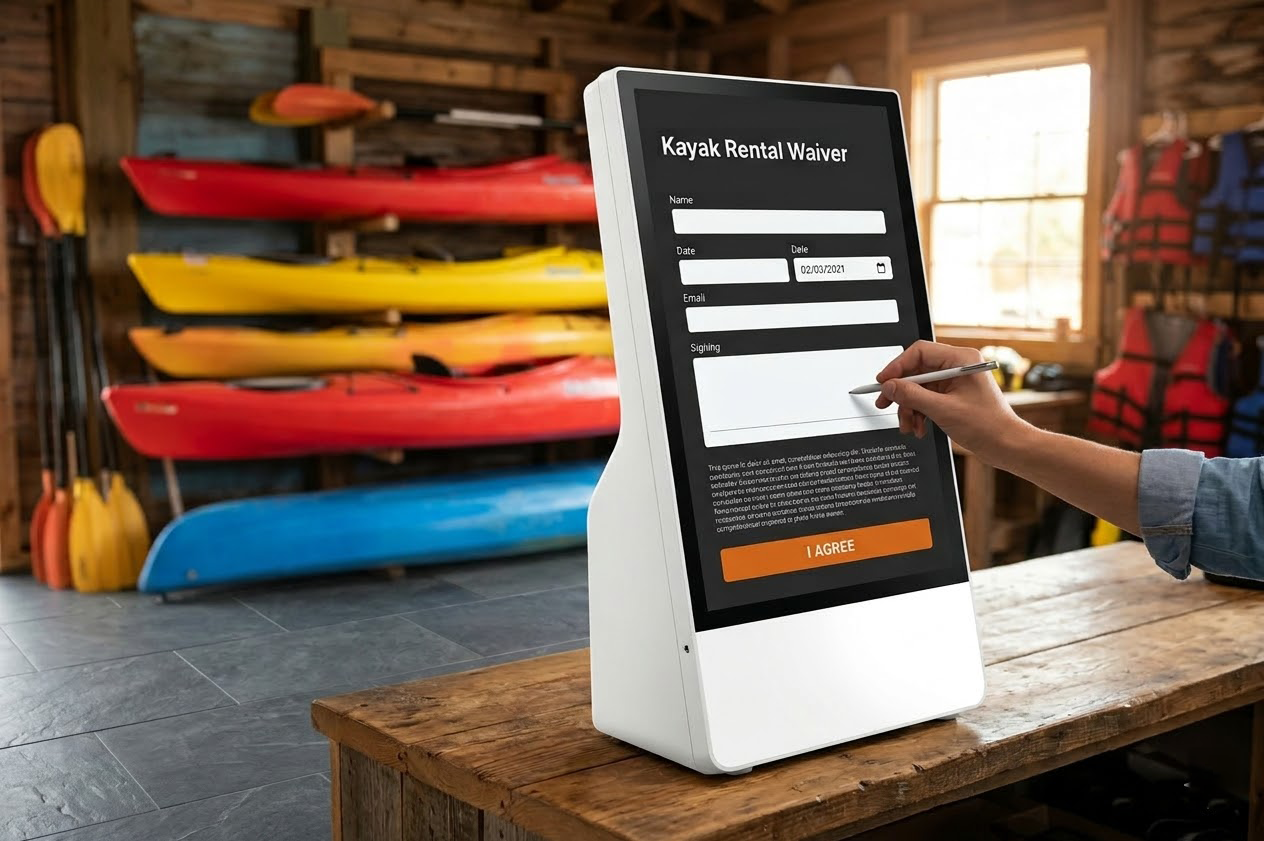
Self-Service Kiosk
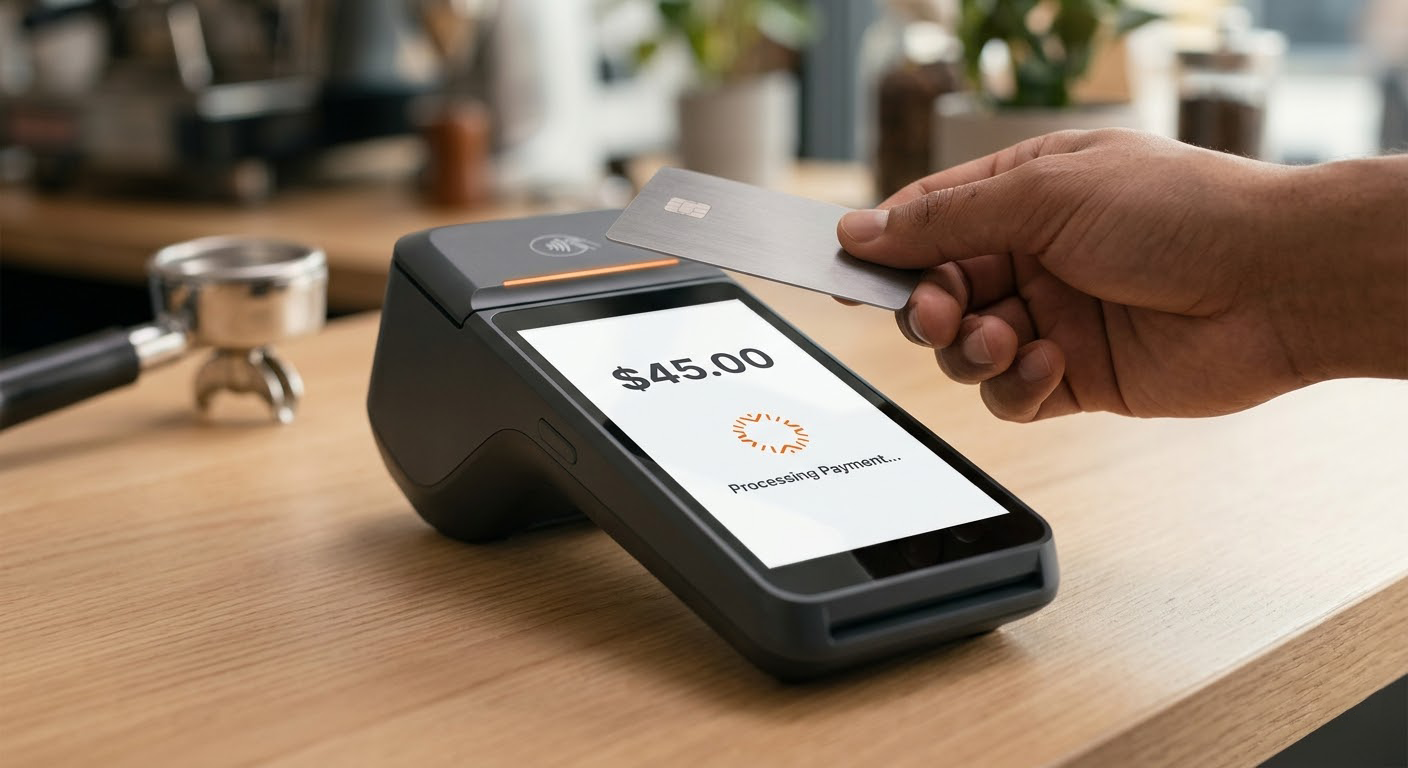
Mobile Reader + Terminal
Start with one payment setup now, then add booking, remote billing, self-service, or in-person tools as the business grows.
Why FoxPay
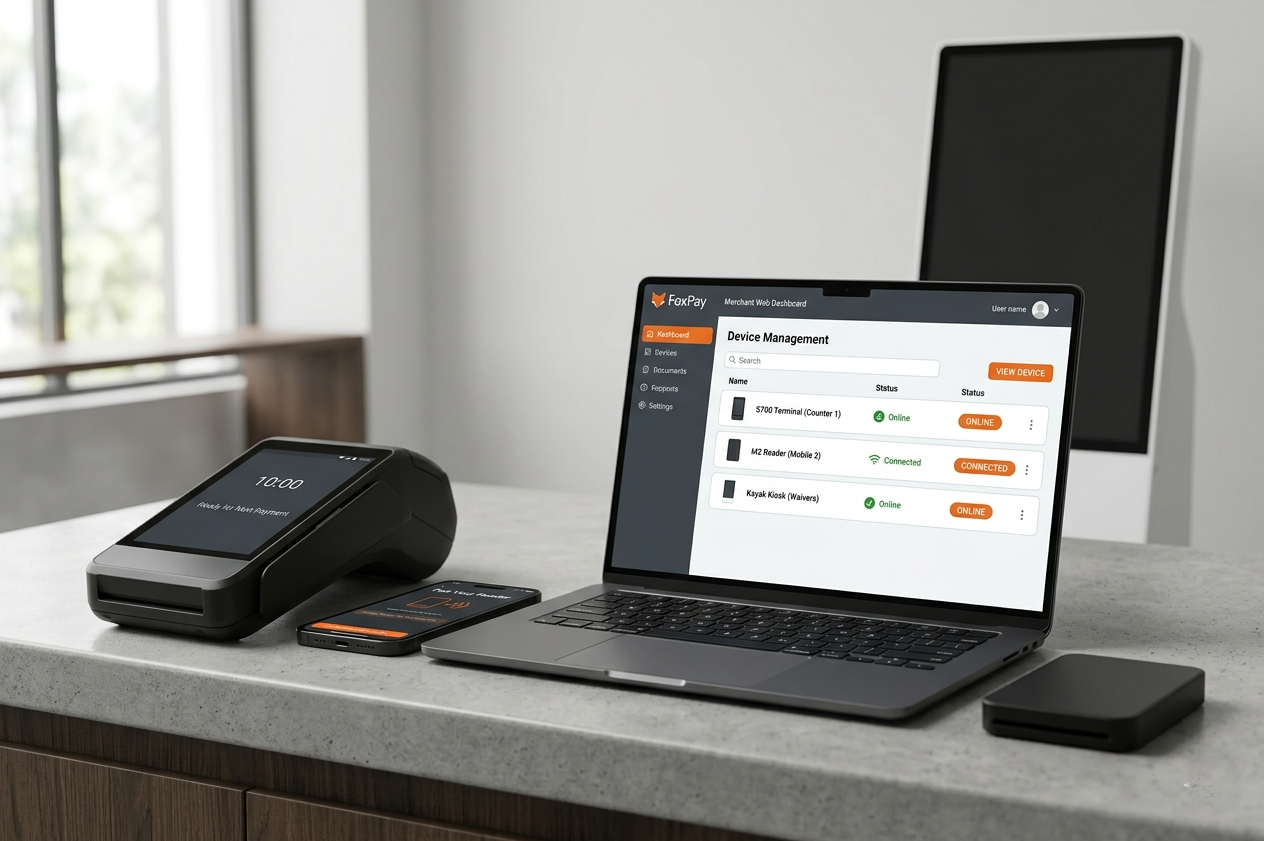
One payment system, multiple ways to collect money
Most service businesses do not get paid in one place. FoxPay gives you a cleaner way to handle deposits, balance requests, self-service checkout, and in-person payments without piecing together unrelated tools.
Channel Coverage
Accept payments across channels
Take payments online, remotely, through self-service, or in person without forcing every sale through the same checkout flow.
Workflow Match
Match checkout to the workflow
Put booking, paylinks, QR, kiosks, terminals, or mobile readers where they make the most sense for the sale.
Practical Setup
Launch with less friction
Cut down on the handoffs that happen when billing, hardware, and checkout live in separate systems.
Expansion
Keep room to grow
Start with what you need today and add more payment options later without replacing the whole setup.
Solutions
Choose the payment path that fits how your business gets paid
FoxPay solutions are organized around the main ways service businesses collect money, from booking and billing to customer-led checkout and web payments.
Core Foundation
Payment Processing
Best for: businesses that need one core payment foundation
Explore Payment ProcessingReservations
Online Booking System
Best for: transportation, tours, appointments, and reservation-based services
Explore BookingCustomer-Initiated
QR Scan-to-Pay
Best for: lobbies, counters, quick-pay moments, and self-service environments
Explore QR PaymentsRemote Billing
SMS Paylink App
Best for: remote collection and staff-driven payment follow-up
Explore PaylinksHardware
Hardware built around where the payment happens
From self-service kiosks to mobile readers and front-counter terminals, FoxPay hardware is organized by operating environment so it is easier to choose the right setup.
Self-Service
Self-Service Kiosk
Best for: lobbies, terminals, and unattended payment points
View Self-Service KioskMobile Staff
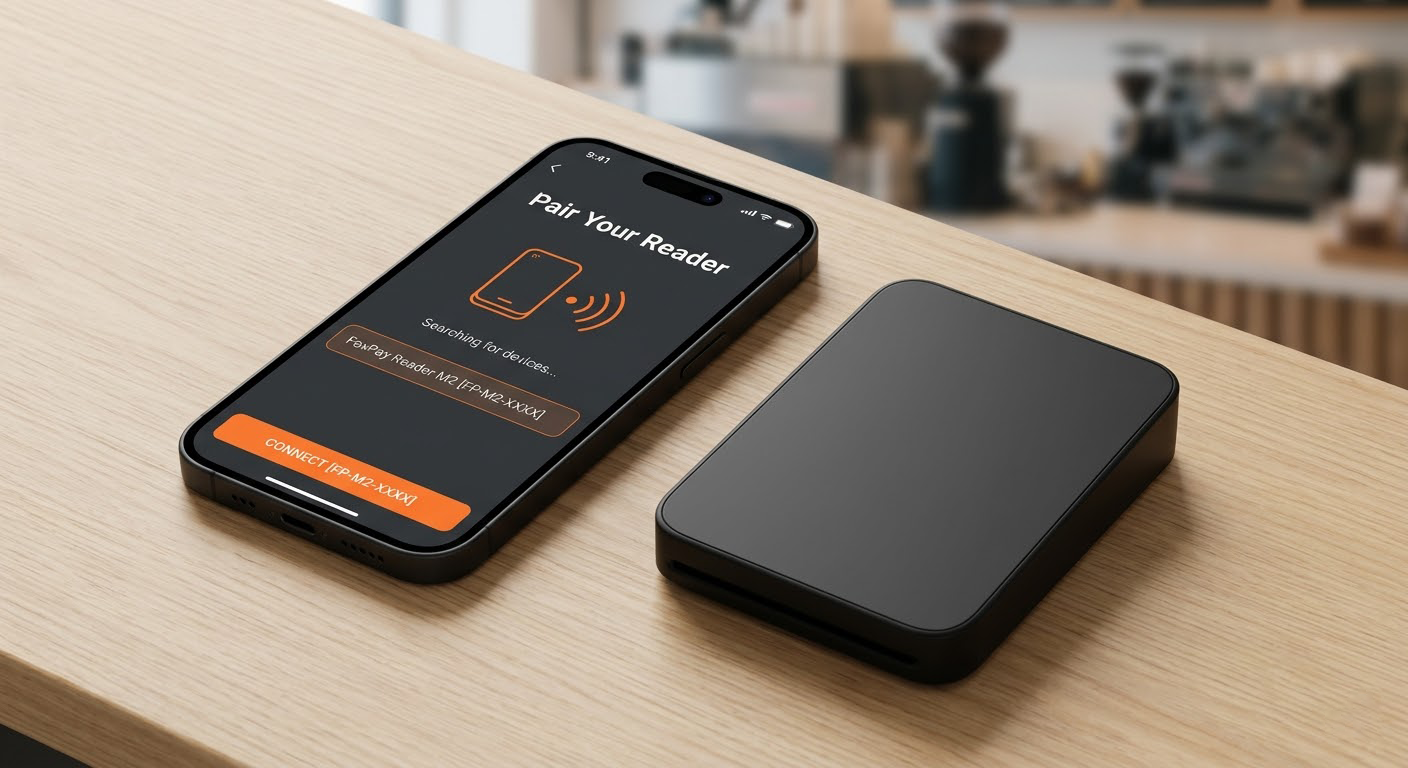
Mobile Bluetooth Reader + App
Best for: attendants, curbside, field teams, and roaming staff
View Mobile Reader
Portable Backup
Standalone Mobile Reader
Best for: pop-ups, temporary stations, and quick mobile use
View Standalone ReaderHow FoxPay Fits The Business
Built for the way service businesses actually operate
FoxPay supports different payment environments without forcing every business into the same checkout pattern.

Reservation-based businesses
Staff-driven payment collection

In-person service environments
How It Works
Start with the part of the sale where money changes hands
1
Pinpoint the payment moment
Identify whether the customer pays during booking, after follow-up, at a counter, through self-service, or on a staff device.
2
Choose the tool that fits that moment
Match the sale to booking, paylinks, QR, kiosks, readers, terminals, or website checkout based on how the transaction actually happens.
3
Set it up around the operation
Build the payment setup around your staff, customer journey, and locations instead of forcing the business into one generic flow.
4
Add more only when needed
Expand into new routes as the business grows without starting over from scratch.
Start Here
Not sure where to begin? Start with how your business collects money.
Bookings
I need customers to book and pay online
Start with Online Booking System.
Go to BookingRemote Collection
I need to collect payments remotely
Start with SMS Paylink App or QR Scan-to-Pay.
View Remote Payment ToolsIn-Person Hardware
I need hardware for in-person payments
Start with kiosks, readers, and terminal options.
View HardwareNeed Guidance
I need help choosing the right setup
Compare the likely payment path first, then reach out once you know which setup, device, or rollout question you want to discuss.
Email FoxPayPricing Structure
Simple pricing by offer type
FoxPay pricing is structured around what you are actually putting in place, whether that is a software-led payment setup, physical checkout hardware, or both together.
Software and payment solutions
Pricing depends on the workflow, implementation scope, and any connected services included in the setup.
Hardware and checkout devices
Hardware is structured as one-time device pricing with optional recurring bundles depending on connectivity, support, software access, and deployment needs.
Payment processing is reviewed separately from hardware and any workflow-specific service layers where they apply.
Common Questions
Questions businesses usually ask before choosing a payment setup
Audience
What kind of business is FoxPay built for?
FoxPay is designed for service-based businesses, especially those operating across reservations, remote billing, mobile staff workflows, self-service environments, or front-counter checkout.
Scope
Do I have to use every FoxPay product or service?
No. You can start with the payment option that fits your business now and add more tools later if your needs change.
Channels
Is FoxPay only for in-person payments?
No. FoxPay covers online booking flows, text-based payment collection, QR checkout, and other remote payment paths in addition to in-person hardware.
Setup
How do hardware and software fit together?
Start with the way the business gets paid, then match that setup to the right device or checkout environment where needed.
Next Step
Build the payment setup that fits your business
Whether you need booking and billing tools, self-service kiosks, mobile readers, or a stronger in-person checkout setup, FoxPay helps you choose the right approach without overcomplicating the rest of the business.
Questions? hello@foxpaysystems.com